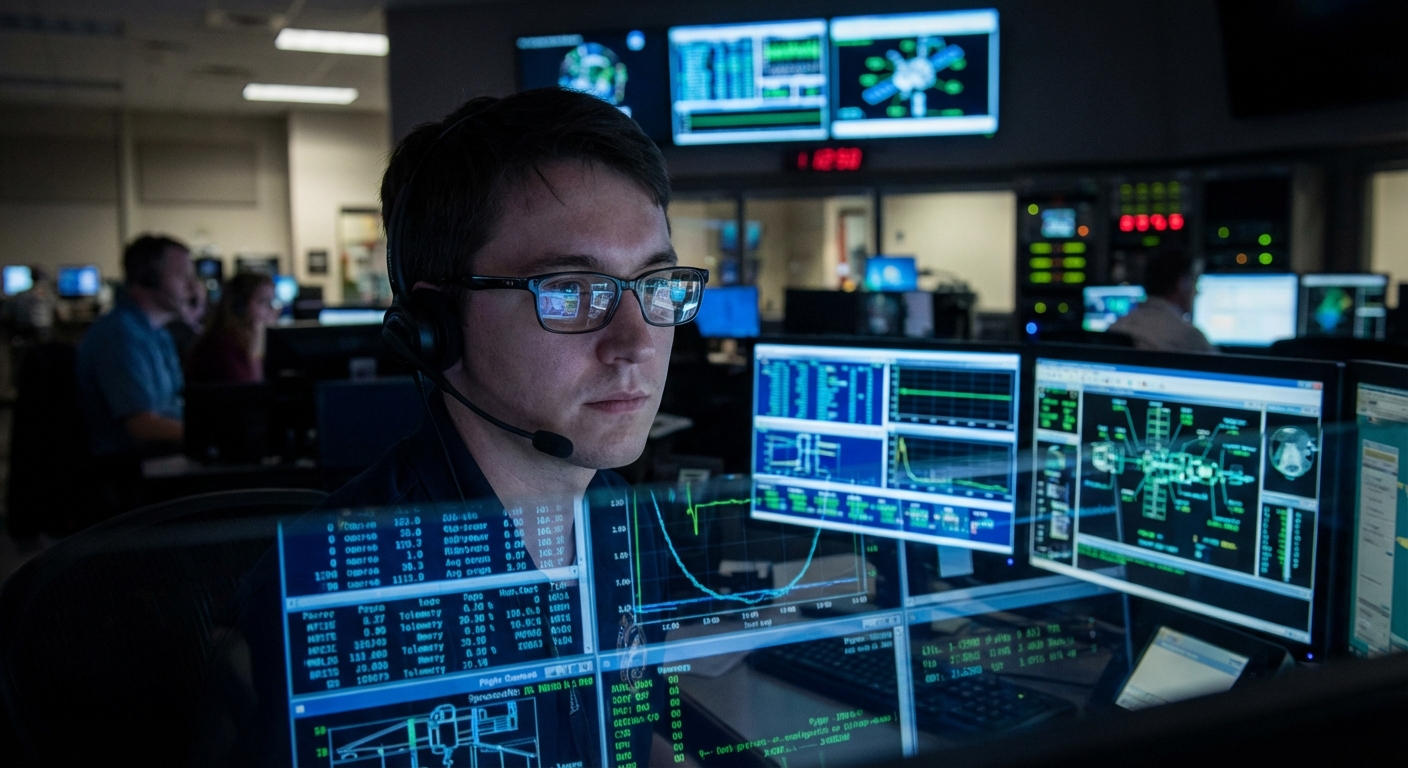
When a spacecraft disappears from sight over the horizon, it doesn’t vanish from our awareness. Its health and actions are continuously reported back to Earth through a steady stream of telemetry—a digital lifeline of numbers, bits, and coded messages.
Telemetry: The Nervous System of Space Missions
For space science enthusiasts, understanding telemetry is a way to move from passive spectator to informed participant. You don’t need access to classified consoles to start; public data streams, amateur deep-space networks, and mission dashboards already expose much of this hidden language.
This guide walks you through reading spacecraft telemetry at an expert-informed, yet accessible level.
Step 1: Know the Layers—Housekeeping vs. Science
Spacecraft telemetry broadly falls into two categories:
Housekeeping data (engineering telemetry):
- Temperatures of components - Voltages and currents in power systems - Attitude (orientation) and spin rates - Propellant tank pressures - Computer status and memory usage
Science data:
- Instrument readings (e.g., spectra, images, particle counts) - Time-tagged experiment results
Mission control often monitors both simultaneously, but for spacecraft survival, housekeeping comes first.
Tip: When you see a "safe mode" event mentioned in mission updates, it’s almost always triggered by housekeeping telemetry crossing a threshold.
Step 2: Understand How Telemetry Gets Home
The signal path
- Onboard sensors and instruments generate raw data.
- Onboard computers packetize data into formatted streams.
- Transponders and antennas modulate and transmit these streams via radio waves.
- On Earth, ground stations (like NASA’s Deep Space Network or ESA’s Estrack) receive and demodulate the signals.
Data rates can vary dramatically:
- Near-Earth missions: Megabits per second are common.
- Deep space (beyond Mars): Data rates may drop to tens or hundreds of bits per second.
This has real implications for what you see:
- Farther missions: fewer images, more heavily compressed data, longer delays.
- Closer missions: near-real-time dashboards during critical events.
Step 3: Learn the Basic Telemetry Vocabulary
If you peek into public logs or mission press kits, you’ll encounter recurring terms:
- Tlm (telemetry): General shorthand for data packets from the spacecraft.
- Frames and packets: Telemetry is grouped into fixed-size frames, each containing multiple data packets.
- APID (Application Process Identifier): Labels that identify which subsystem or instrument a packet belongs to.
- HK (housekeeping): Engineering health and status data.
- Bit rate: The speed of the downlink, often switched depending on distance and spacecraft activities.
From a user-facing standpoint, missions may present this in friendlier ways: graphs of temperatures, fuel levels, or instrument states on web dashboards.
Step 4: Decode the Attitude and Orbit Story
A spacecraft’s attitude (orientation) and orbit dictate almost everything: power generation, pointing of instruments, comms link quality.
Key telemetry elements:
- Quaternion or Euler angles: Mathematical representations of orientation.
- Gyro and star tracker readings: Raw inputs used by attitude control systems.
- Reaction wheel speeds and torques: Tell you how the spacecraft is rotating or stabilizing.
- Thruster firing logs: Short bursts indicate desaturation maneuvers or orbital corrections.
How enthusiasts can interpret this:
- During planetary flybys, expect rapid attitude changes as instruments track targets. Telemetry will show wheel speeds and orientation data changing quickly.
- During cruise phases, attitude is often fixed on the Sun or Earth, with occasional slow slews for calibration or trajectory corrections.
Online tools such as JPL’s Horizons system, or mission-provided trajectory visualizers, allow you to correlate attitude/orbit telemetry with a spacecraft’s location in the Solar System.
Step 5: Power and Thermal—The Silent Constraints
No power, no mission. No thermal control, no electronics.
Key telemetry channels:
- Solar array output: Current and voltage; changes with Sun angle, distance, and degradation.
- Battery state of charge (SoC): Crucial during eclipses or high-demand operations.
- Bus voltages: Provide a snapshot of electrical health.
Thermal telemetry typically includes:
- Component temperatures: Detectors, electronics, tanks, optics.
- Heater statuses: Which thermostatic heaters are on or off.
How to read it:
- A sudden drop in power generation alongside a change in attitude usually means the spacecraft reoriented away from the Sun—perhaps to observe a target or avoid overheating.
- Rising temperatures on an instrument followed by automatic heater shutdowns can indicate a safe mode response.
Mission updates sometimes mention "power-positive" configurations: orientations that ensure more power is generated than consumed.
Step 6: Science Mode vs. Safe Mode
Spacecraft operate in distinct modes, each with its own characteristic telemetry signature.
Science mode
- Instruments powered and active.
- High data generation rate.
- Often higher pointing stability demands.
What you’ll see:
- Increased use of data recorders or high-gain antennas.
- Attitude telemetry showing spacecraft locked onto a target.
- Instrument-specific parameters (filters, exposure times, high count rates).
Safe mode
Triggered by anomalies:
- Fault detection algorithms see out-of-range readings.
- The spacecraft autonomously powers down non-essential systems.
- Attitude is typically set to a Sun-safe orientation.
Telemetry clues:
- Many instrument power lines drop to zero.
- Reaction wheel use may be replaced or supplemented by thrusters for coarse pointing.
- Data rates drop; housekeeping becomes prioritized.
Following safe mode, ground controllers analyze telemetry to diagnose what went wrong and gradually return the spacecraft to its previous state.
Step 7: Working With Public Mission Data
Several missions make near-real-time or archived telemetry available:
- DSN Now (NASA): Shows which deep-space missions are talking to which antennas, including downlink rates—an accessible gateway into live operations.
- Mission status pages: Mars rovers, lunar orbiters, and some Earth science satellites publish periodic health updates and activity logs.
- Data archives: PDS (Planetary Data System), MAST (Mikulski Archive for Space Telescopes), and others provide calibrated science products along with engineering metadata.
How to get started:
- Pick a mission. Choose an active one you’re excited about (e.g., Perseverance, LRO, Solar Orbiter).
- Find its "operations" or "status" page. Note any available plots (battery levels, temperatures, data volume).
- Track a specific event. For a scheduled maneuver or observation campaign, watch how the published parameters change.
Over time, you’ll begin to predict what the spacecraft is doing from the shape of its telemetry curves.
Step 8: Amateur Networks and Decoding
A global community of amateur radio astronomers and satellite observers routinely tracks spacecraft beacons and telemetry, especially for smallsats, cubesats, and some deep-space probes.
Activities include:
- Using home-built or semi-professional antennas and SDRs (software-defined radios) to receive spacecraft signals.
- Decoding low-rate telemetry via open-source tools when legally and ethically permissible.
- Contributing reception reports that help ground teams during critical phases.
Notably, during the Voyager 2 conjunction and anomalies, amateur tracking played a supportive role in monitoring signal presence, even if not decoding full telemetry.
Step 9: Interpreting Anomalies Without Jumping to Doom
Spacecraft anomalies generate headlines—"Contact Lost"—but insiders know many are recoverable.
Guidelines for thoughtful interpretation:
- Look for patterns, not single points. One odd temperature or voltage spike doesn’t necessarily mean failure; persistent trends matter more.
- Watch data rate and link status. A brief communication dropout can be a ground station issue, not a spacecraft problem.
- Consider known operations. Safe modes can be pre-planned responses to events like solar storms.
Mission teams often release Anomaly Reports or detailed blogs after the fact. Comparing pre- and post-anomaly telemetry, when available, is a powerful way to learn diagnostic thinking.
Step 10: Cultivating an Operations Mindset
Reading telemetry well is about more than understanding parameters; it’s about adopting an operations mindset:
- Conservatism: Assume worst-case until proven otherwise; protect the vehicle first, science second.
- Redundancy awareness: Know what backups exist and how failovers manifest in telemetry.
- Time delay realism: For distant missions, every command and response is separated by minutes or hours of light travel time.
The wonder of modern spaceflight is that, despite the distances, much of this operational drama is visible if you know where and how to look.
Why This Matters for Enthusiasts
Learning to read spacecraft telemetry:
- Deepens your appreciation of mission updates and press releases.
- Prepares you to meaningfully engage with citizen science and amateur tracking projects.
- Bridges the gap between spectacular images and the underlying systems that make them possible.
Space missions are not just about their most photogenic moments. They are long, intricate conversations between fragile machines and the people who guide them—conversations carried in streams of numbers. Once you understand that language, you’re no longer just watching space exploration. You’re eavesdropping on it in real time.